Use IW38 and layout Shane Zone Maintenance Upload

Use Zone Template, only fill in the columns highlighted in Green. ( make sure date & time format are correct yyyy-mm-dd 00:00 am/pm)

Save template and then open Zone Maintenance through EMI3 link
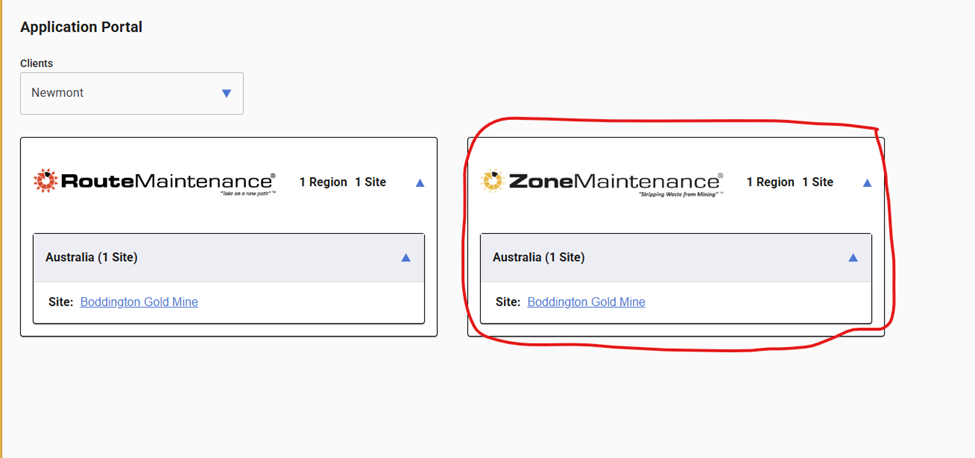
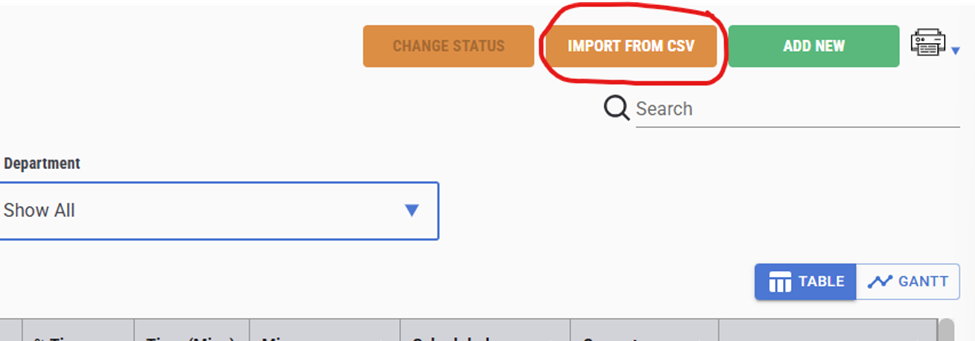
Once Zone is open click on IMPORT FROM CSV and upload template.
Drag and drop or upload through Browse. (make sure the upload sheet is saved as UTF-8 as in snapshot)
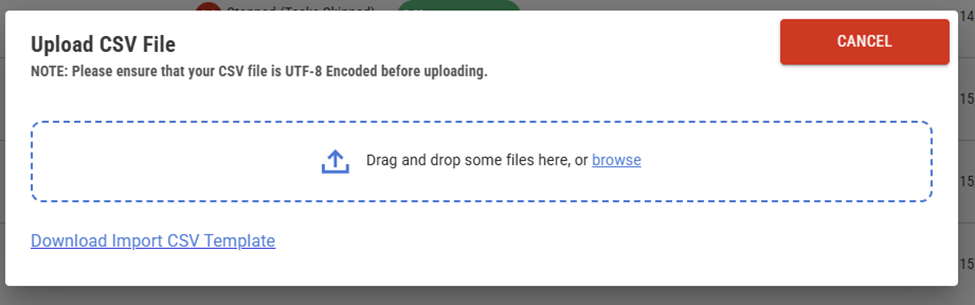
If no errors pop up the upload is good. If errors pop up work through the errors and reload.
Was this article helpful?
That’s Great!
Thank you for your feedback
Sorry! We couldn't be helpful
Thank you for your feedback
Feedback sent
We appreciate your effort and will try to fix the article